Several buildings, one system.
One catalog, one customer list and one set of books across every warehouse, with stock, prices, cut-offs, scan rules and people scoped to each building.
Multi-warehouse distributors
Three things that are true every day.
Each building runs its own dayDifferent cut-offs, routes and receiving docks, and a manager who only needs to see their own.
The owner needs the whole pictureStock, margin and exceptions across every building, without opening five systems.
Stock has to move between themTransfers between warehouses that keep the lots and their history.
Built in
What APFoodz does for multi-warehouse distributors.
Each of these is in the product today, not a roadmap item.
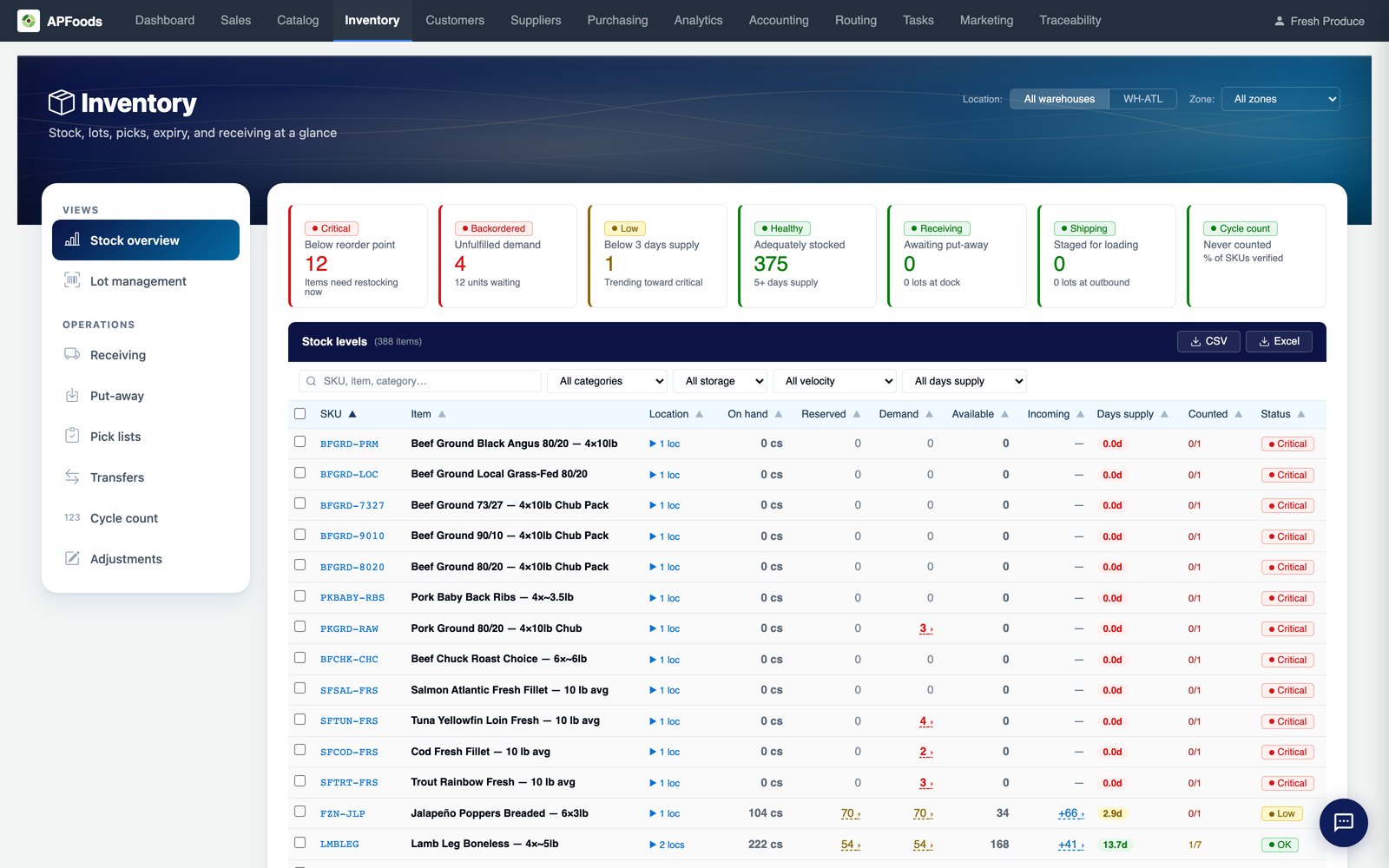
Per-warehouse stock and valueOn-hand, reorder points and weighted average cost per warehouse.How it works →
Per-warehouse settingsEach building runs on its own settings, from cut-offs to label designs.How it works →
People scoped to buildingsEach person sees the warehouses they are assigned, with a default warehouse.How it works →
TransfersMove lots between warehouses, keeping their events.How it works →
Warehouse healthOne card per warehouse on the home dashboard, red, amber or green.How it works →
A storefront per locationEach location can have its own storefront address.How it works →
If this sounds like you
Four situations we built for.
Bring one of these to the demo and we will walk it through on your own items and customers.
- Three warehouses with different cut-offs and one owner who wants one dashboard.
- A manager who should only see and act on their own building.
- Moving stock between buildings without losing the lot's history.
- Supplier prices, minimums and lead times that differ by warehouse.
The parts you will use most
Where multi-warehouse distributors spend their day in APFoodz.
Inventory & lotsLots, expiry, FEFO and quarantine for product that goes bad.Inventory & lots →
Roles, permissions & approvalsA permission matrix that mirrors the screens, and approvals you configure.Roles, permissions & approvals →
Reports & dashboardsA home dashboard of what needs you today, and explorers for every question.Reports & dashboards →
Routing & dispatchOne-click route building with truck capacity, delivery windows and route templates.Routing & dispatch →
Further reading
- Bin labeling for fast picking: a low-tech upgradeA clear location code, a scannable barcode and a label that survives the freezer: the cheap warehouse fix many distributors skip.
- Catch-weight items: three ways to handle themCheese, meat and seafood rarely weigh what the case says. Three sound ways to price, track and invoice them, and when each one fits.
- FEFO vs FIFO: why perishable distributors need bothThe rotation rule that works for dry goods can leave dated product expiring on the shelf. Here is how to run both rules side by side.
See it with your own data.
A working session with your customers, your items and your route days. Thirty minutes.