Your customers order online, on your domain, at their price.
A wholesale storefront that uses the same prices, cut-offs and credit checks as your order desk. The kitchen orders at eleven at night, and the order picks and routes like any other.
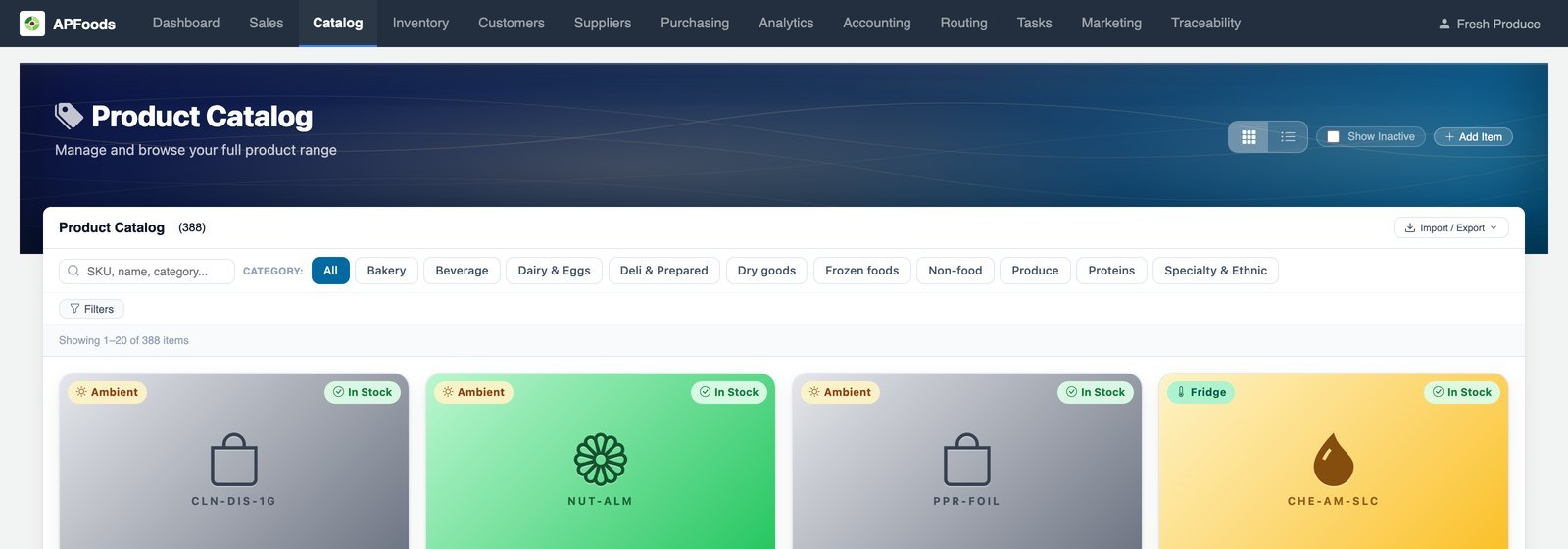
Order entry that customers could do themselves.
A large share of an order desk's day is typing orders that customers already know: the same items, the same quantities, the same days.
The APFoodz storefront lets them place those orders themselves, with nothing priced or promised differently from what a rep would do.
What is in the storefront.
Your domain
Starts on an APFoodz web address, or runs on your own domain with HTTPS set up for you.
Their price
The same price as the order builder, with their deals and tiers.
Checkout rules
Delivery or pickup, cut-off dates and credit checks, with a clear reason when an order cannot go through.
Pay on terms or now
Invoice on terms, pay online by card or ACH, or cash on delivery, with store credit applied.
Quick order and templates
Copy the last order, use shared order templates, or start from the rep's order guide.
Search that forgives
Tolerates typos and partial names, marks items bought before, and filters by category and promotions.
Invoices and statements
Every invoice, statement PDF and Excel, and payment of one or many invoices at once.
Team accounts
Invited buyers with Admin or Staff roles, and one login across a group's locations.
Quote-only items
Special-order items collect in a quote list that goes to the rep.
Messages
One thread per customer with your team, with the rep notified.
Five languages
English, Spanish, Simplified Chinese, Korean and Brazilian Portuguese.
Rep approval or auto-confirm
Per location, storefront orders confirm on their own or wait for a rep.
A buyer app too
The same storefront in an iOS and Android app, with delivery tracking and proof of delivery.
Wherever the order came from, it is one customer and one account.
Storefront orders join the same queue as phone and text orders, against the same customer, credit limit and AR. Reps can preview the storefront as a specific buyer, read-only.
- Hide prices on chosen categories for one customer
- Multi-location buyers switch locations without logging out
- Copy a cart to other locations in the group
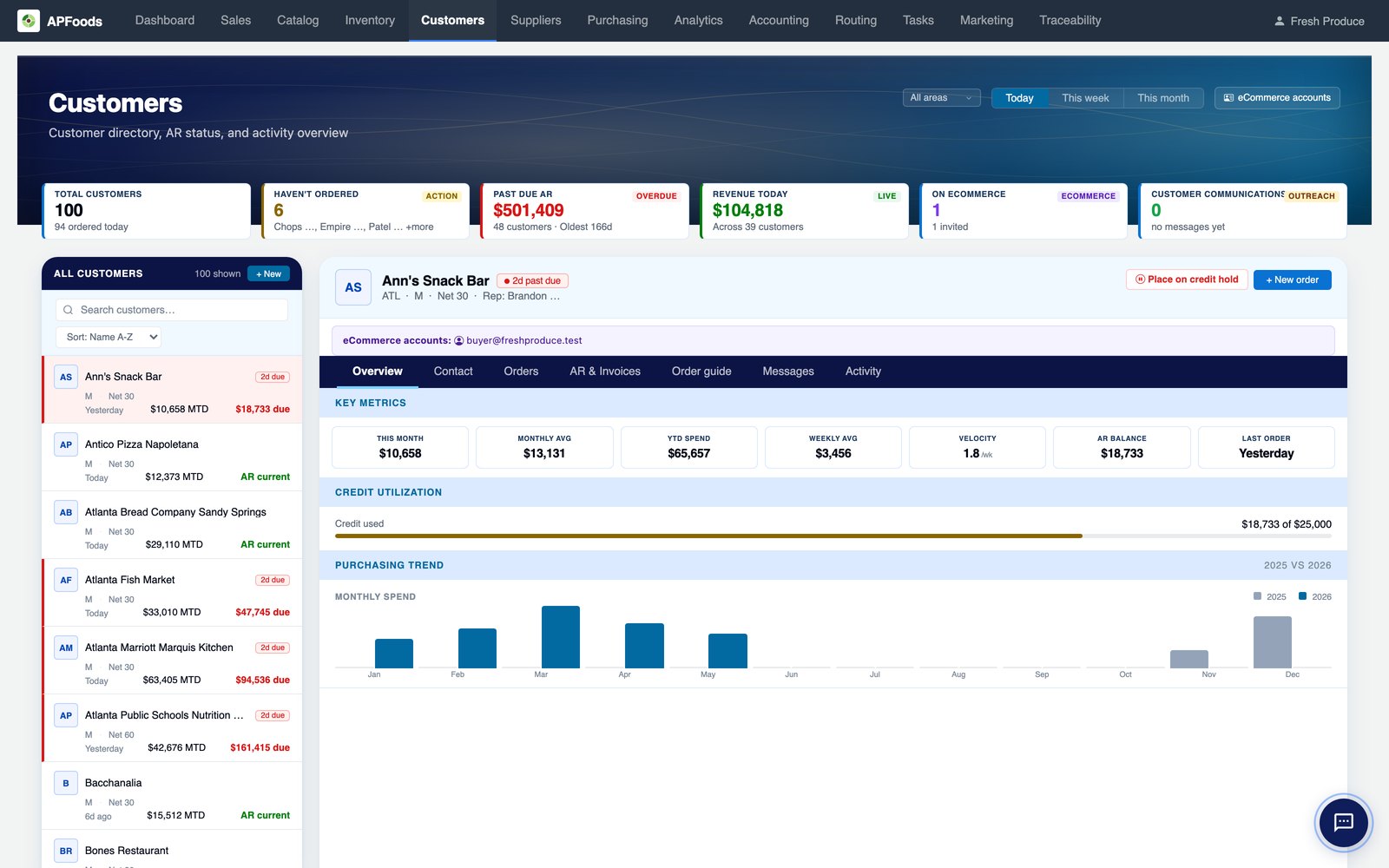
From invitation to first order.
- Turn it onEnable the storefront in settings; it is live on your platform address at once.
- Brand itLogo, colours, fonts and pages from a built-in page designer.
- Invite buyersReps invite buyers from the customer record; there is no public sign-up.
- Orders arriveOrders land in Sales, confirmed or waiting for a rep, as you choose per location.
B2B ordering storefront: questions we are asked.
Do customers see our brand or yours?
Yours. The storefront carries your name, logo, colours and domain.
Can customers pay their invoices online?
Yes, with a connected card and ACH processor: one invoice or several in one payment, saved payment methods, and autopay on a schedule or balance threshold.
Can a customer order past the cut-off?
They can order for the earliest date the cut-off allows; an earlier date is not offered.
Is there a public product catalog for search engines?
Optional. You can publish a price-free catalog by category and an About page; ordering and prices stay behind the buyer's login.
Terms on this page
Works with
B2B ordering storefront works with
See it with your own data.
A working session on your own items, customers and route days. Thirty minutes.
Get a demo