Take an order in the time the customer takes to say it.
One order builder for phone, fax, email and walk-up orders, with the customer's prices, what is available and what is coming in, on every line.
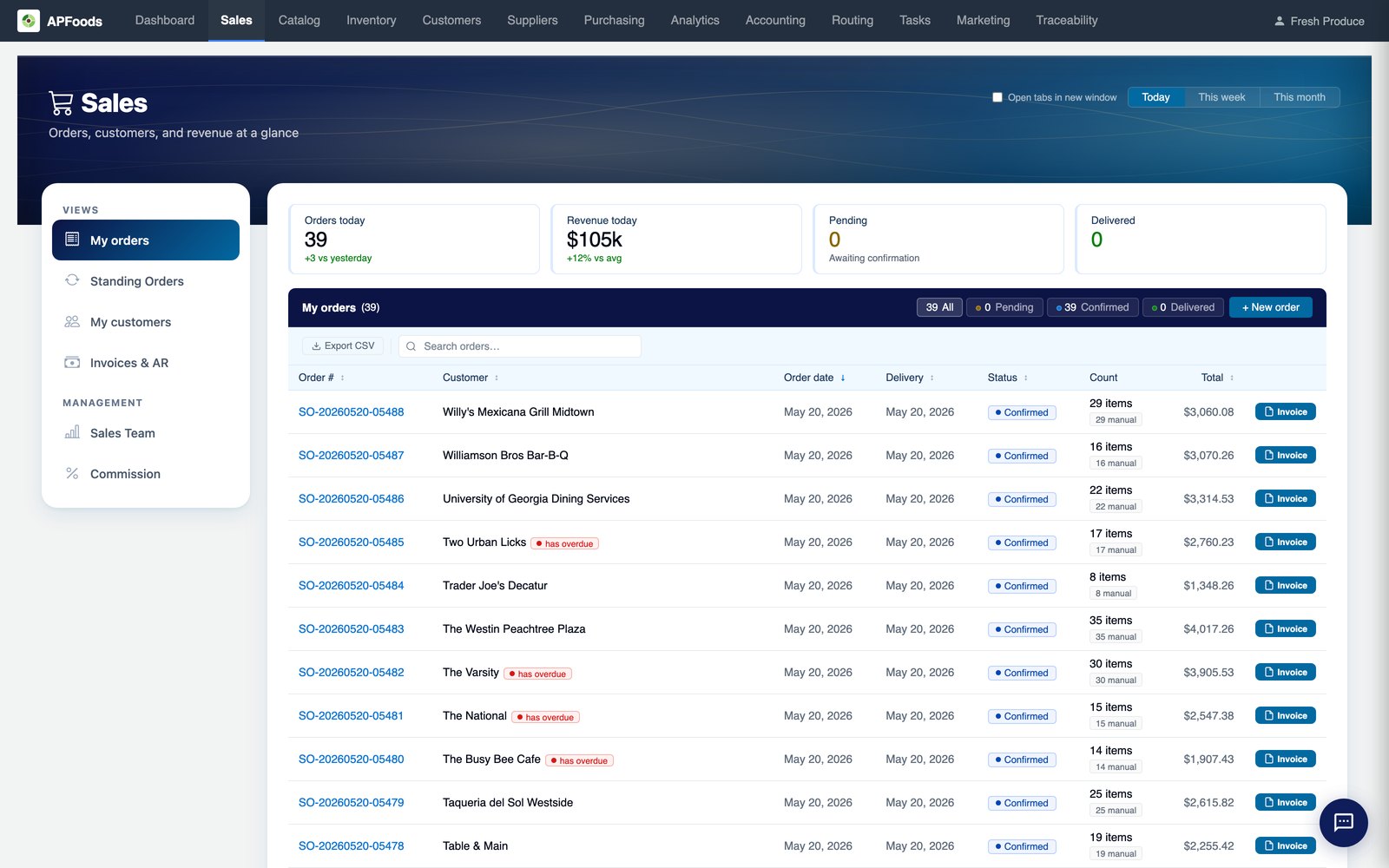
The order desk is where margin is won or lost.
A price remembered instead of looked up, a case promised that is not on the shelf, a delivery date the warehouse cannot make: each one costs money later.
The APFoodz order builder puts the answer on the line as the rep types, and refuses the mistakes that cannot be fixed downstream.
What the order builder does.
Everything on the line
Last ordered, pack size, available, incoming, unit price, cost, sell price, line total and margin.
Keyboard shortcuts
Search, add, next line and place from the keyboard, with a duplicate-SKU guard.
Copy last order
Start from the customer's last order and adjust.
Suggested lines
Items the customer usually buys and is due to reorder, suggested from their own history.
Delivery cut-offs
Cut-offs per warehouse; a date that cannot be made is refused with the earliest one that can.
Order channel and PO number
Record whether the order came by phone, fax, email or the portal, and the customer's PO number.
Internal notes
Notes that print on the pick list and stay off the invoice.
No duplicate orders
A refresh or a double click cannot create the same order twice.
From the phone call to the pick list.
- Pick the customerTheir warehouse, terms, credit position and delivery days load with them.
- Add linesEach line shows the customer's price, stock and margin as it is added.
- Checks runCredit and delivery-date checks run before the order is placed.
- Place itThe order goes to the warehouse for picking, under the stock rules your business set.
Order entry: questions we are asked.
Can I merge two orders for the same customer and day?
Yes. Orders for the same customer and delivery day fold into one order and one invoice.
Can we take bill-only orders?
Yes. An invoice-only order issues the invoice without reserving, picking or routing anything.
What about drop-ship orders?
A drop-ship order creates draft purchase orders to your suppliers with the customer's ship-to address on them.
What holds an order for approval?
Online and text orders waiting for a rep's review, a line that still needs a price, or a credit check you set to hold.
Order entry works with
See it with your own data.
A working session on your own items, customers and route days. Thirty minutes.
Get a demo